Account settings
Your profile, notifications, password and data, all in one place.
Click your photo or initials in the top right of the app and choose Account. Settings are grouped into You, Workspace and Help, with one job per page.
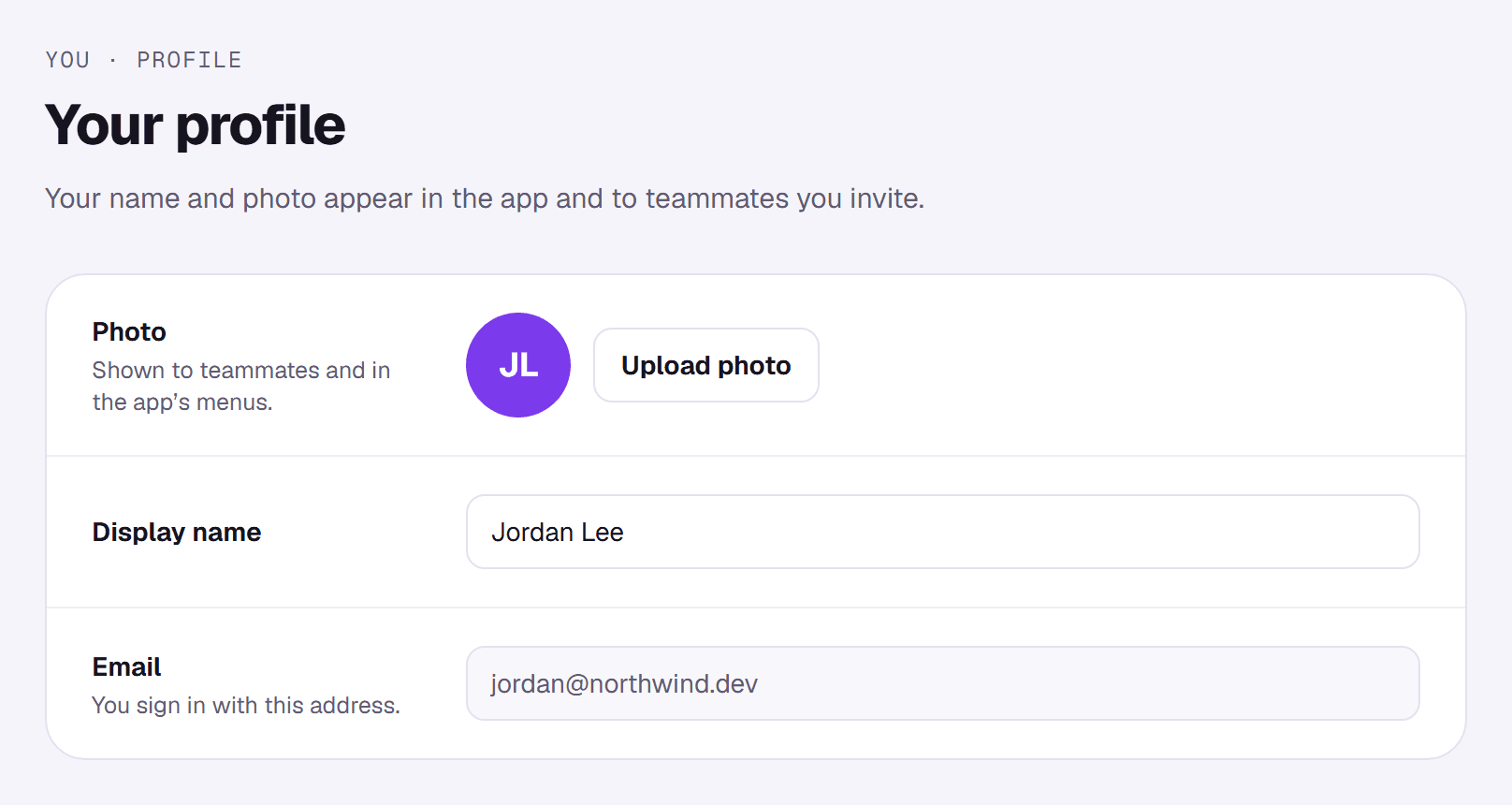
You
- Profile: your photo and display name, which teammates see. Your email is the address you sign in with.
- Notifications: emails when a new response arrives, and product news. Switches save as soon as you flip them.
- Security & data: set or change a password (you can always sign in with an emailed magic link instead), download your data as JSON, or delete your account. Deleting removes every form you own and all their responses, and can't be undone.
Workspace
- Brand kit (Pro): see Designing your form.
- Team (Business): see Team workspace.
- Billing & usage: see Billing & plans.
Help
Links to these Docs and to support. You can also email support@joinformz.com and a person will reply.