Integrations & webhooks
Send each new response to your own server, Zapier, Make or Slack.
Plan: Business
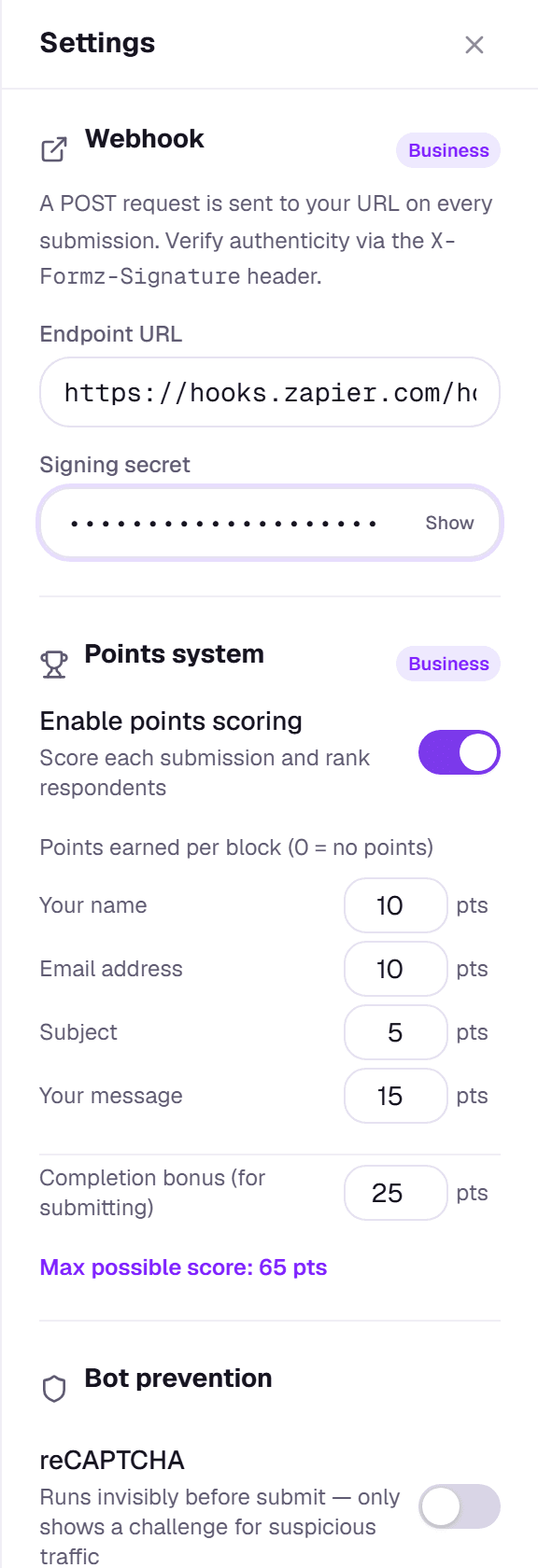
A webhook sends each new response to a URL you choose the moment it's submitted. In the builder, open Settings → Webhook and enter your endpoint URL.
What Formz sends
Each response is sent as a JSON POST like this:
{
  "event": "form.submission",
  "formId": "5b7c…",
  "formTitle": "Mint allowlist",
  "submissionId": "9e21…",
  "submittedAt": "2026-10-01T14:03:22.114Z",
  "respondentEmail": "ada@example.com",
  "responses": [
    {
      "blockId": "block_1727…",
      "question": "What's your email?",
      "type": "email",
      "answer": "ada@example.com"
    }
  ]
}
Wallet and social blocks appear in responses like any other answer, with the verified details as the answer. respondentEmail is null if the form doesn't collect an email.
Check that a request came from Formz
Add a Signing secret and Formz signs every request. The X-Formz-Signature header holds sha256= followed by an HMAC-SHA256 of the raw request body, made with your secret. Compute the same value on your server and reject any request where it doesn't match. In Node.js:
import { createHmac, timingSafeEqual } from "node:crypto";

function isFromFormz(rawBody, header, secret) {
  const expected = "sha256=" + createHmac("sha256", secret).update(rawBody).digest("hex");
  return header?.length === expected.length &&
    timingSafeEqual(Buffer.from(header), Buffer.from(expected));
}
Use the raw body exactly as received. If your framework parses the JSON first, the signature won't match.
Zapier, Make and Slack
Point your webhook at a Zapier "Catch Hook" trigger, a Make custom webhook, or a Slack incoming webhook URL. From Zapier or Make you can send responses on to spreadsheets, CRMs, email tools and thousands of other apps.
Delivery
Formz sends each webhook once, straight after the response is saved. If your endpoint is down, that request isn't retried, but the response is always kept in Formz, so you can export it any time.