Identity verification
Verify wallets and social accounts instead of trusting typed-in names.
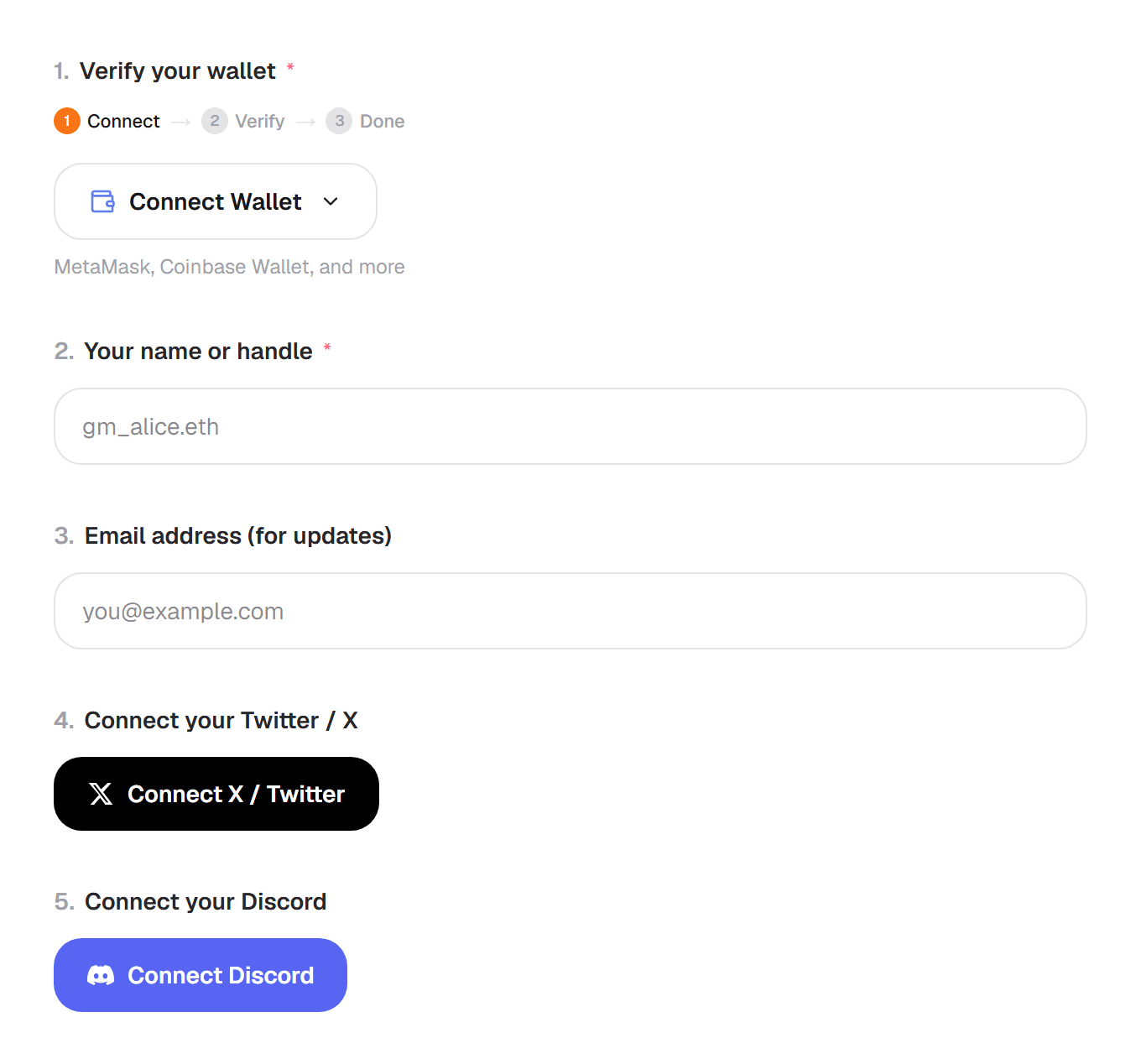
Identity blocks prove who is filling out your form. Add them from Add question like any other block.
Social sign-in
X/Twitter, Discord, Google, Facebook and LinkedIn are on Pro; Telegram is on Business. The respondent clicks Connect, signs in with that service, and Formz saves their verified username or email with the response. They never type a password into your form.
Wallets
The Wallet Connect block (Pro) supports Ethereum, Base, Polygon, Arbitrum and other EVM chains. Respondents connect their wallet and sign a message. The signature proves they control the address. Formz never asks for a transaction or a spending approval.
On Business you can also add Solana, TON, Sui, Aptos, Starknet, NEAR and Cosmos wallet blocks.
Only accept holders
To accept only people who hold a certain token or NFT, set up an on-chain gate. See Access options. To check wallets against a list you already have, use the Airdrop Checker.
In your responses and CSV export, each wallet shows its address and whether it was verified.