Custom domains
Serve a form from your own domain, like forms.yourcompany.com.
Plan: Business
A custom domain lets respondents open your form at an address you own instead of a joinformz.com link. Each domain points to one form.
Set it up
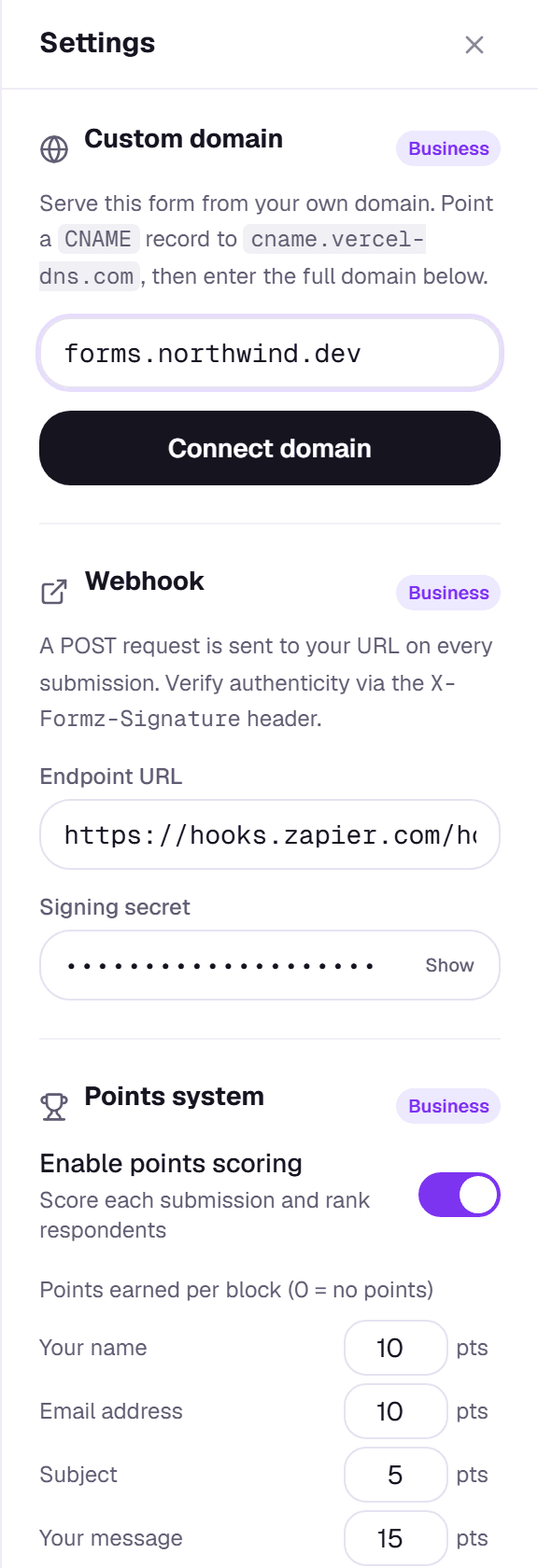
- In the builder, open Settings and find Custom domain.
- Enter the domain, for example
forms.yourcompany.com, and click Connect domain. - At your DNS provider, add a
CNAMErecord for that name pointing tocname.vercel-dns.com. - Back in Formz, click Verify domain. Once it's verified, the domain shows as connected.
If verification fails
DNS changes can take from a few minutes to a few hours to reach everyone. Check the record name and target for typos, wait a while, then click Verify again. A domain can only be connected to one form at a time; if Formz says it's already in use, remove it from the other form first.