Responses & CSV export
Read every response and download them as a spreadsheet.
Open a form and select Responses in the builder's left menu. Each response shows who sent it (their email, or Anonymous) and when. Click one to see every answer, including wallet addresses and verified social accounts. Click Refresh to load new ones.
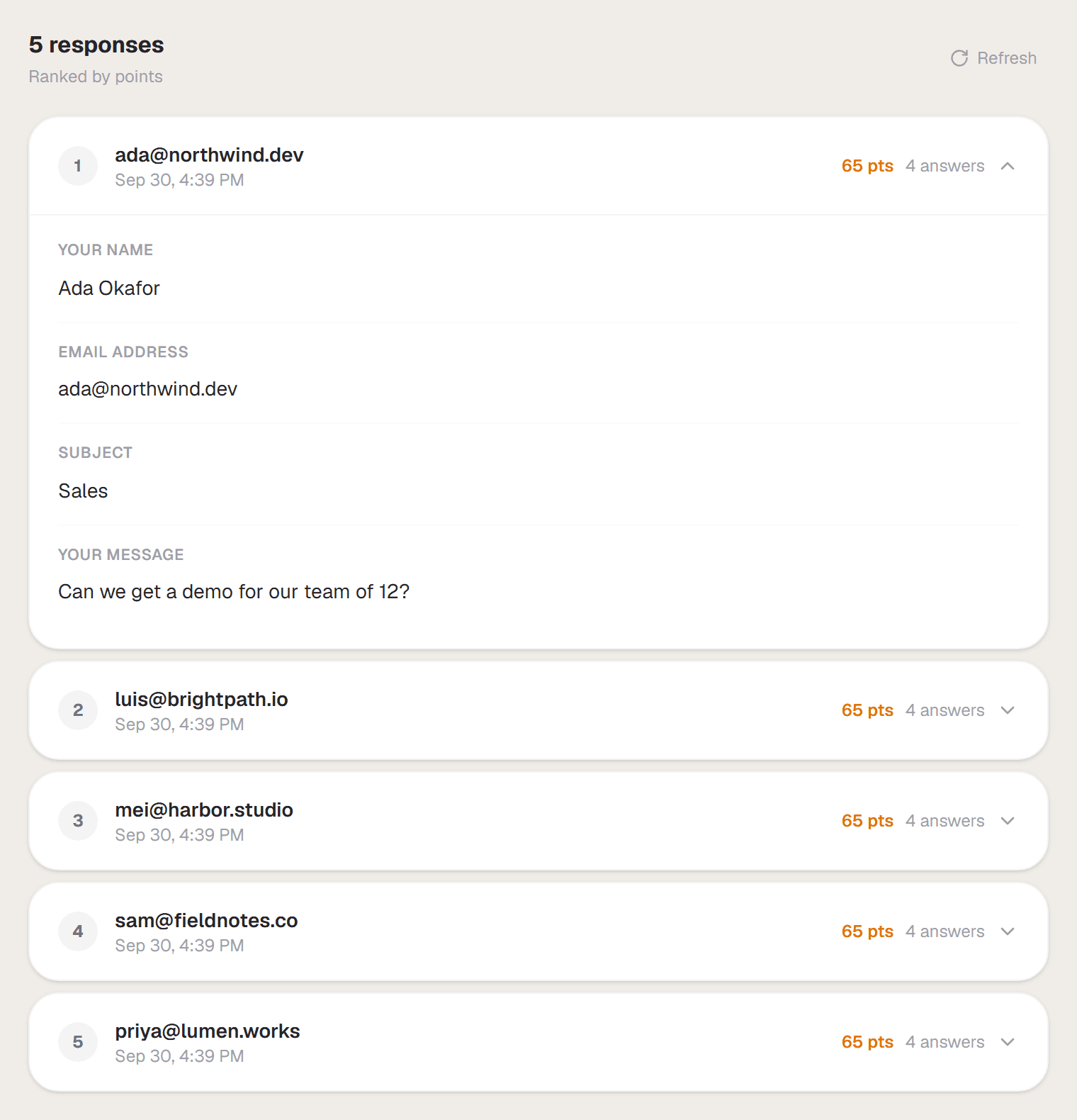
Responses are listed newest first. With points on they're ranked by points, and a Viral Waitlist without points is ranked by referrals.
Download a CSV
In the right panel, Export → Download CSV downloads every response with one column per question, which opens in Excel, Google Sheets or Numbers. It's available on every plan. If your form has a wallet block you can also pick Verified wallets only: a list of verified addresses, ready for an allowlist or airdrop.
Get an email for each response
Under Settings → Notifications, turn on Notify me on submission to get an email every time someone responds, and Email copy to respondent to send them a confirmation. You can switch off all response emails at once under Account → Notifications.
To send responses to other tools as they arrive, see Integrations & webhooks.