Team workspace
Invite teammates to build forms and read responses with you.
Plan: Business
Business includes 5 seats: you plus up to 4 teammates. Teammates work in your workspace: they can open and edit your forms and read their responses.
Invite people
- Go to Account → Team, or click the + beside the member avatars on your dashboard.
- Type one or more email addresses and click Invite.
- Each person gets an email with a link to join. The link works once and expires after 48 hours.
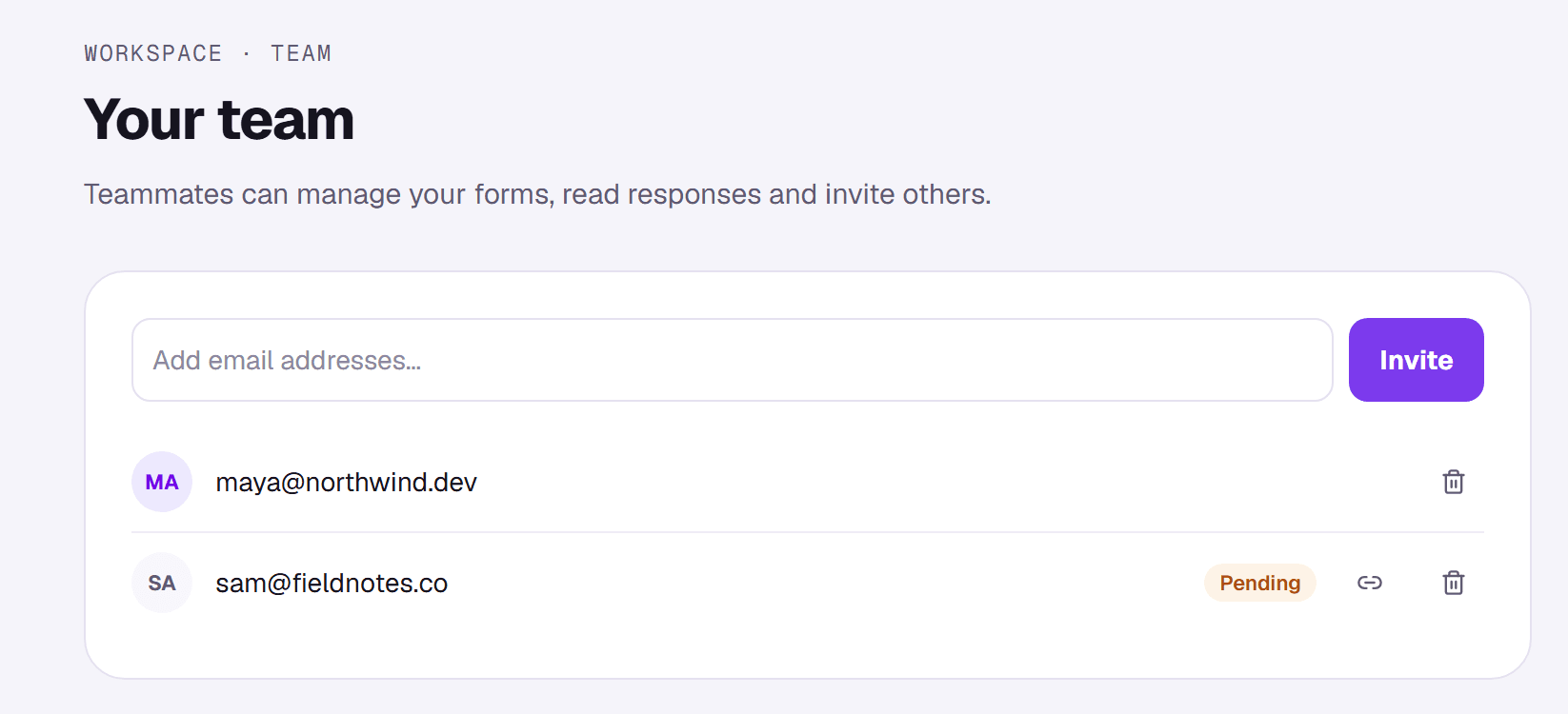
Until someone accepts, they're listed as pending. If the email didn't arrive, copy their invite link from the list and send it yourself.
What teammates can do
- Open, edit and publish the workspace owner's forms, and read their responses.
- They can't create or delete forms in the owner's workspace, invite people to it, or change its billing.
- Their dashboard shows the owner's forms, labelled with the owner's name.
Remove someone
Click the remove icon next to their name. They lose access straight away and the seat is free for someone else.